Text Annotations: Label Your Map Fast
2026-02-12Map AnnotationGuide
Text Annotations
Text annotations are simple labels you can place on the map. They are great for naming areas ("Camp Zone"), reminders ("Refill Water"), or highlighting parts of a route ("Steep climb").
If you are evaluating the broader annotation workflow, see Map Annotation Tool.
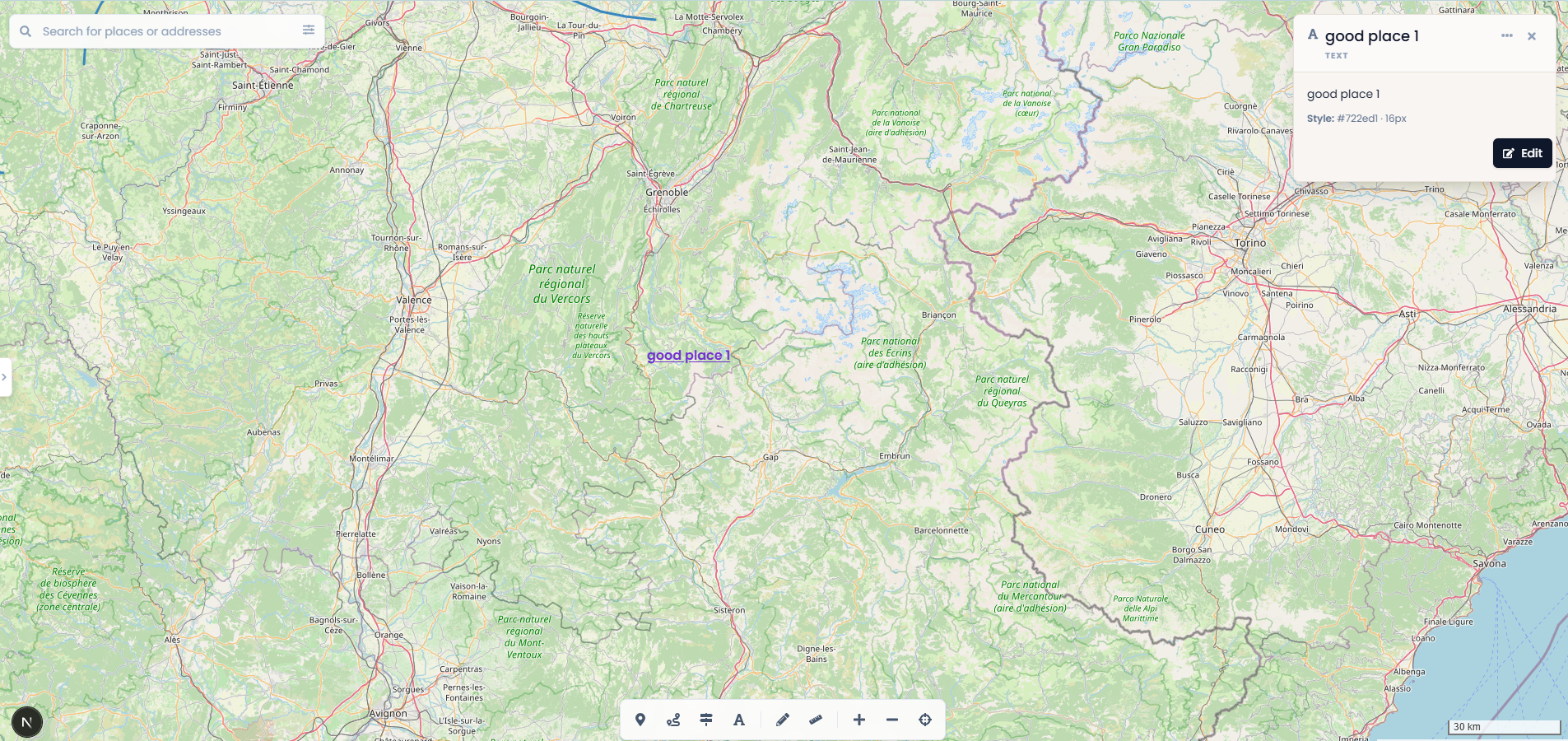
Create a text annotation
- Open a project in the map editor
- Choose the Text tool (A icon)
- Click on the map where you want the label
- Enter your text and confirm
Edit text
- Select the text label on the map, then click Edit in the info panel
- Update the content and save
Style
Text annotations support basic styling so labels remain readable on different map backgrounds (for example: color and font size).
Limits
- Text length is limited to 200 characters
- Text annotations count toward your project's total item limit
- On the Free plan, projects support up to 100 total items across markers, routes, polygons, and text annotations
FAQ
Why can't I create more text labels? You may have reached your project's total item limit.
Can I share text annotations? Yes. Text annotations are included when you share a project.